Hey there!πŸ‘‹

Our team, support and all product sales will be offline December 22 – January 3 for our annual holiday break. πŸ™Œ Wishing you all a safe, happy, healthy holiday season from Team Shannon Mattern!
WordPress Dashboard 101

Direct Download Link:Β https://vimeo.com/420815171/aebde81ad2

We’ll take a quick tour of the WordPress Dashboard so that you know what’s important (and what you can ignore).

I’ll show you how to switch from the dashboard (backend) to your website (front end).

Then we’ll delete some plugins installed by our hosting company that we don’t need and you’ll have a clean slate to start from!

Action Steps

1
Watch the video.
2
Switch from the back-end to the front-end.
3
Delete the extra plugins installed by Bluehost.

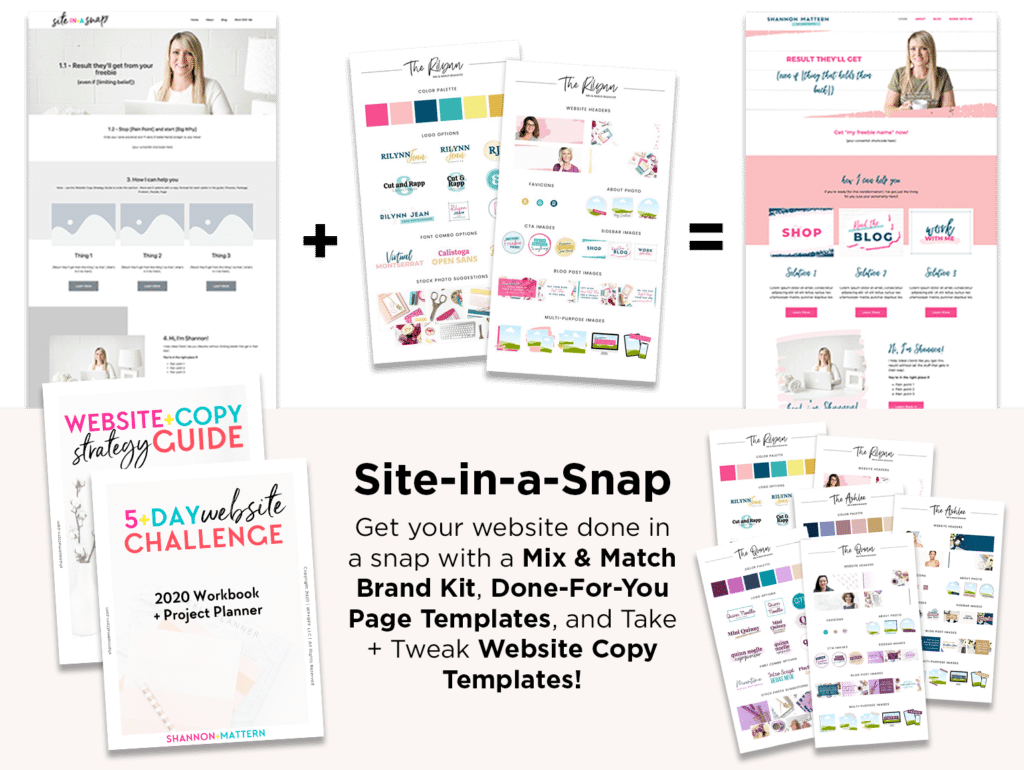
Get the Site-in-a-Snap Template Pack!

*This is an affiliate link. That means if you purchase a product I recommend using my affiliate link, I may earn a commission that allows me to keep this training free. I only recommend products and services I know, like + trust! Thanks in advance for using my affiliate links!Β