Hey there!๐Ÿ‘‹

Our team, support and all product sales will be offline December 22 – January 3 for our annual holiday break. ๐Ÿ™Œ Wishing you all a safe, happy, healthy holiday season from Team Shannon Mattern!
Footer Design

Direct Download Link: https://vimeo.com/421192136/2af65178e1

The footer is the section that displays on the bottom of every page of your website and typically has a copyright notice, links to privacy policies + terms and conditions, and anything else you want to have show up on every page of your site.

I’ll show you how to make a menu that displays your Privacy Policy + Terms and Conditions pages and show you how to add other elements to your footer (and make sure everything looks great on mobile devices).

And you’ll be learning even more about Elementor as you go!

Action Steps

1
Watch the video.
2
Create Terms + Conditions Page
3
Create Footer Menu
4
Create a Footer and add Copyright, Menu + Social Icons
5
Adjust Mobile Responsive Settings for the Footer
6
Save your Footer so that it displays on every page of your site.

Resources

LEGAL ROAD MAPยฎ Podcast with Autumn Witt Boyd

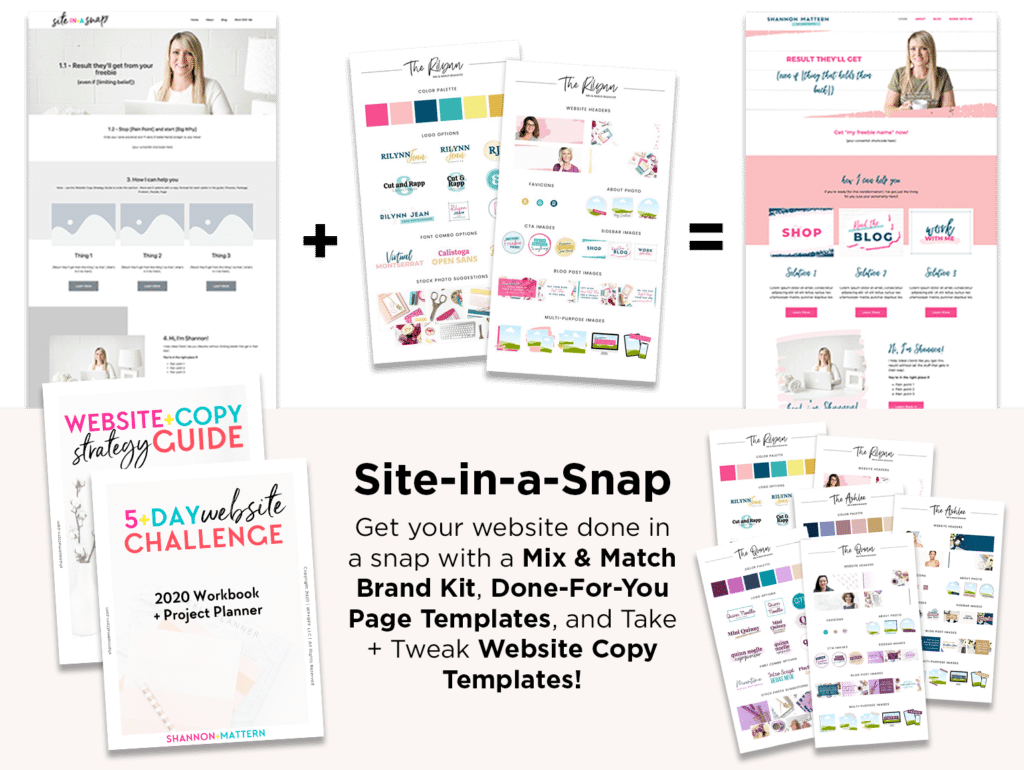
Get the Site-in-a-Snap Template Pack!

*This is an affiliate link. That means if you purchase a product I recommend using my affiliate link, I may earn a commission that allows me to keep this training free. I only recommend products and services I know, like + trust! Thanks in advance for using my affiliate links!ย